
Destinations
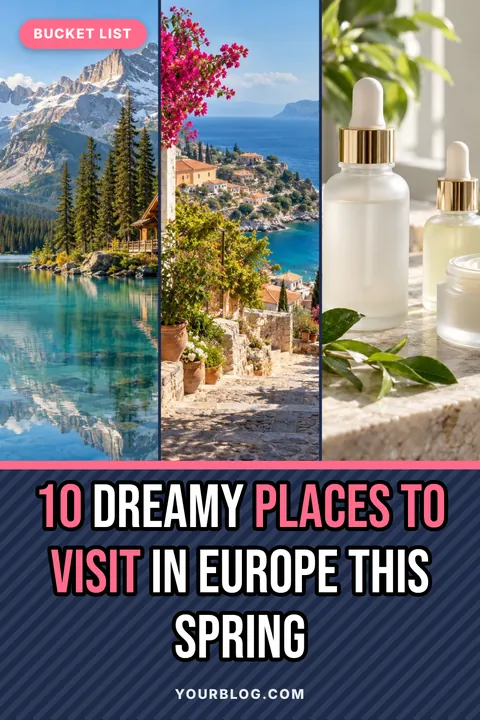
Three tall photos side by side work beautifully for destination roundups, letting each place get its own strip of the pin.

Pinterest is where trips get planned. Pick a travel template, paste your destination photos and download 1000×1500 pins for itineraries, guides and packing lists.
Sized to fit automatically. Press Enter for a new line; your line breaks are kept. A leading number is always printed in the accent colour.
Usually your main keyword. Separate phrases with commas.
Clear it for no badge.
After a title, add highlight words after a | and a corner badge after a second |. Use // for a line break. Up to 100 pins.
Sample photos are shown until you add your own.
Each look sets colours, font and text effects together. Fine-tune anything in step 3.
Printed at the bottom of every pin and remembered for next time. Clear it for no branding.
Pick a spot, or drag the logo anywhere on the preview.
A PNG with a transparent background works best. Your logo is remembered for next time.
Upload your own .ttf, .otf or .woff font. Uploaded fonts stay until you close the page.
“A” picks black or white automatically to suit the band.
Resets layout and every style setting. Titles, site name, badges and photos stay.
Sample photos are shown until you add your own. Right-click a photo in your article, choose “Copy image”, then paste anywhere on this page.
Four templates that work especially well in this niche. Tap one to load it into the pin maker above.
Three tall photos side by side work beautifully for destination roundups, letting each place get its own strip of the pin.
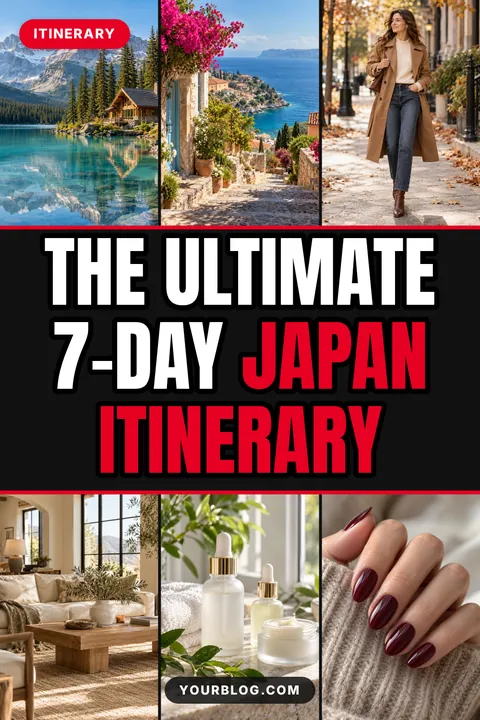
Six photos around a title band promise a full trip at a glance, a good fit for day-by-day itineraries.
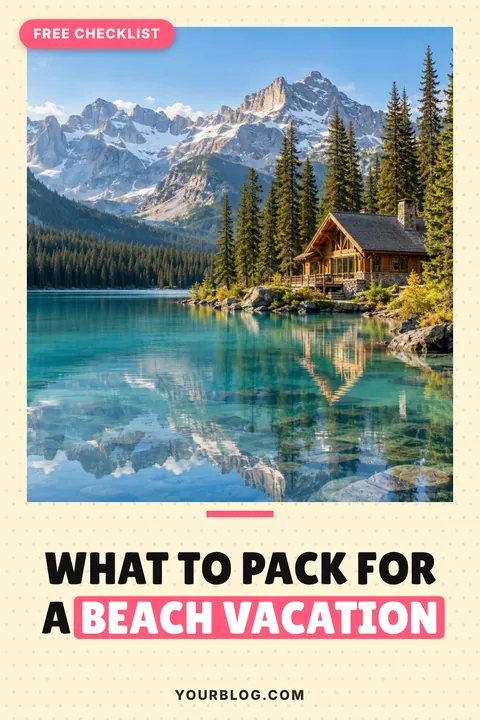
A framed photo with the title underneath feels like a printable, ideal for checklists and downloads.
One full-bleed landscape with the title over it lets a dramatic view do the work.
Proven title shapes for this niche. Tap “Use this title” to drop one straight into your pin, then change the details.
Travel pins live or die on the photo. Choose images with depth and colour: a coastline, a mountain lake, a street with flowers. The Text overlay and Hero layouts give a great landscape the whole pin, while Triptych and Collage 6 suit guides that cover several places.
People search Pinterest with a destination and a plan in mind. Titles like “3 Days in Paris” or “The Ultimate 7-Day Japan Itinerary” match those searches directly. Highlight the destination so it stands out.
Itineraries, budgets, packing lists and where-to-stay guides get saved because people come back to them while planning. A framed layout with a “Free checklist” badge signals there is something practical behind the click.
For every travel post, make a few pins with different angles: the overview, the budget, the best photo spots, the food. Bulk mode makes this quick: paste five titles for one destination and download them all together.
The short answers.
A striking photo, a clear destination in the title and a practical promise such as an itinerary, budget or packing list.
Collage 6 or Triptych, which show several places or days at a glance. Use Text overlay for a single destination.
Yes. Switch to Bulk pins, paste one title per line and download every pin as a ZIP.
1000 × 1500 pixels, the 2:3 shape Pinterest recommends for standard pins.
Yes, with no sign-up and no watermark.
 Food pin makerTemplates, title ideas and tips
 Home decor pin makerTemplates, title ideas and tips
 Beauty & fashion pin makerTemplates, title ideas and tips
 Personal finance pin makerTemplates, title ideas and tips
 Mom & parenting pin makerTemplates, title ideas and tips▦All pin templates30 free templates by niche⤢Pinterest pin sizeEvery dimension + free checker