
Room ideas
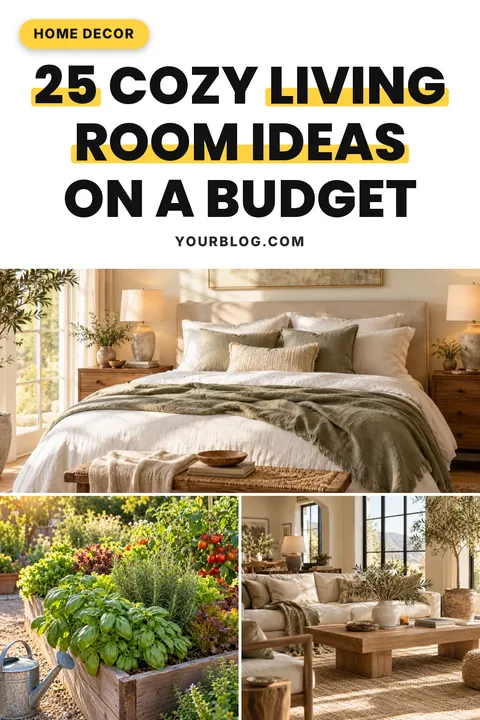
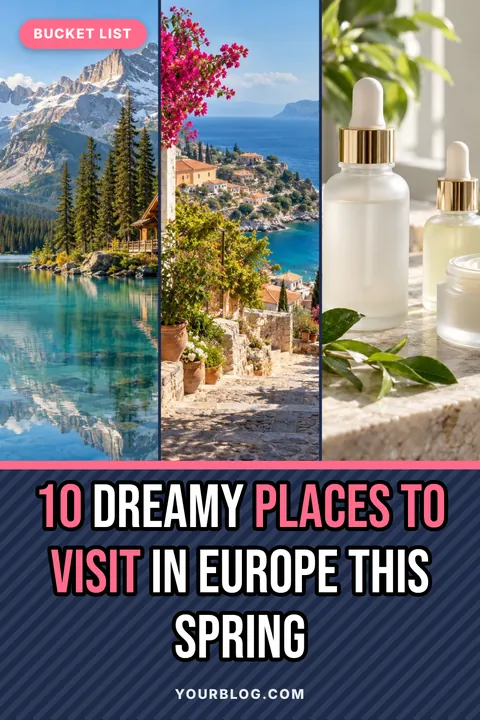
A title card on top with three room photos below works for idea roundups. People browsing decor want to see several looks before they click.

Room ideas, makeovers and DIY projects are made for Pinterest. Pick a home decor template, paste your room photos and download a 1000×1500 pin that shows off the space.
Sized to fit automatically. Press Enter for a new line; your line breaks are kept. A leading number is always printed in the accent colour.
Usually your main keyword. Separate phrases with commas.
Clear it for no badge.
After a title, add highlight words after a | and a corner badge after a second |. Use // for a line break. Up to 100 pins.
Sample photos are shown until you add your own.
Each look sets colours, font and text effects together. Fine-tune anything in step 3.
Printed at the bottom of every pin and remembered for next time. Clear it for no branding.
Pick a spot, or drag the logo anywhere on the preview.
A PNG with a transparent background works best. Your logo is remembered for next time.
Upload your own .ttf, .otf or .woff font. Uploaded fonts stay until you close the page.
“A” picks black or white automatically to suit the band.
Resets layout and every style setting. Titles, site name, badges and photos stay.
Sample photos are shown until you add your own. Right-click a photo in your article, choose “Copy image”, then paste anywhere on this page.
Four templates that work especially well in this niche. Tap one to load it into the pin maker above.
A title card on top with three room photos below works for idea roundups. People browsing decor want to see several looks before they click.
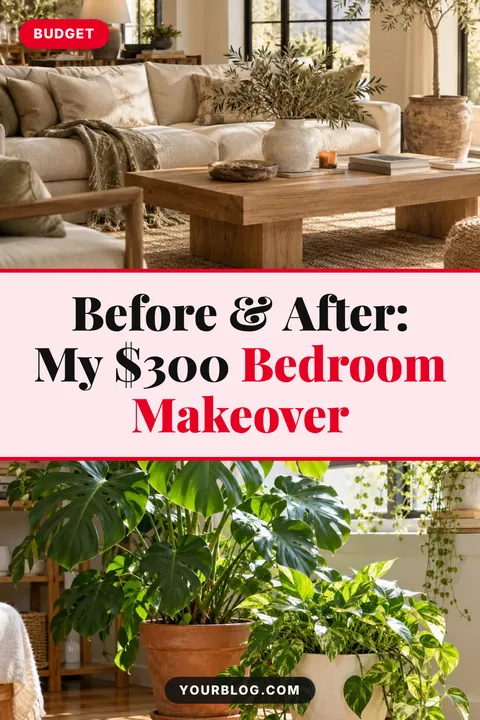
The split layout puts a photo above and below the title, a natural fit for before-and-after reveals. Mention the budget or timeframe, since that is what makes a makeover feel achievable.
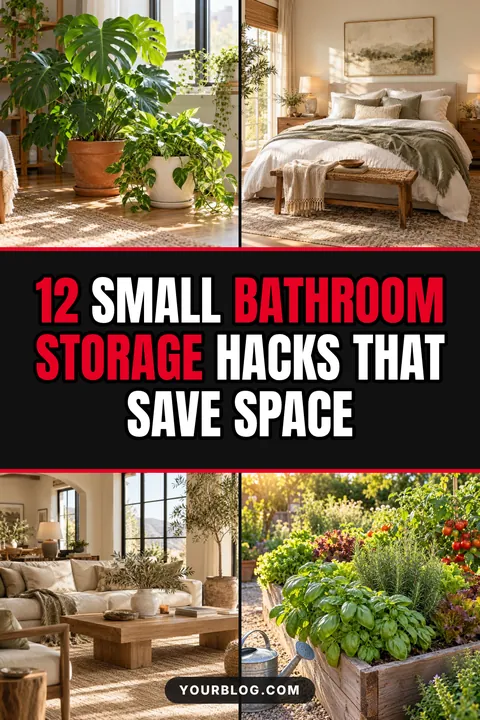
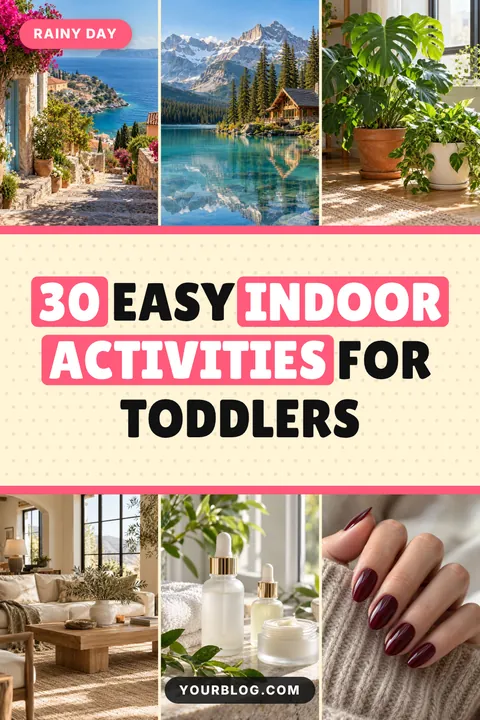
Four photos around a bold band suits list posts about organising and small spaces. The leading number tells people exactly how many ideas they will get.
A mosaic of one large and two small photos feels like a mood board, perfect for style guides like boho, Japandi or modern farmhouse.
Proven title shapes for this niche. Tap “Use this title” to drop one straight into your pin, then change the details.
Decor pins work when people can picture the space. Use a wide, bright photo that shows the full room for your main image, then add close-ups of details (a shelf, a lamp, a textile) in the smaller collage slots. Natural light from a window and tidy surfaces make rooms look larger and more inviting.
Makeover pins are some of the most engaging decor content because they show a transformation. Use the Split layout with the “before” photo on top and the “after” below, and put the budget, timeframe or the change itself in the title (“My $300 Bedroom Makeover”).
Decor searches are often style-led: boho, Scandinavian, Japandi, coastal, modern farmhouse, mid-century. Put the style name in your title and highlight it. Room plus style (“Boho Bedroom Ideas”) usually beats a vague title like “My Favourite Room”.
Soft looks like Blush and Clean white suit light, airy spaces; Mocha and Forest suit warm wood and earthy tones. When the pin colours echo the photo, the whole pin feels designed rather than stuck together, and it fits better on boards with similar rooms.
The short answers.
The Split layout: one photo above the title band and one below. Put the before photo on top and the after photo underneath.
One wide photo works for a single room. Use three to six photos for idea roundups, so people can see a range of looks.
Yes. Upload your logo, drag it anywhere on the pin and set its opacity so it doesn’t cover the room.
Every pin is 1000 × 1500 pixels, the 2:3 shape Pinterest recommends.
Yes. Every template and feature is free, with no sign-up and no watermark.
 Food pin makerTemplates, title ideas and tips
 Travel pin makerTemplates, title ideas and tips
 Beauty & fashion pin makerTemplates, title ideas and tips
 Personal finance pin makerTemplates, title ideas and tips
 Mom & parenting pin makerTemplates, title ideas and tips▦All pin templates30 free templates by niche⤢Pinterest pin sizeEvery dimension + free checker