

Money tips
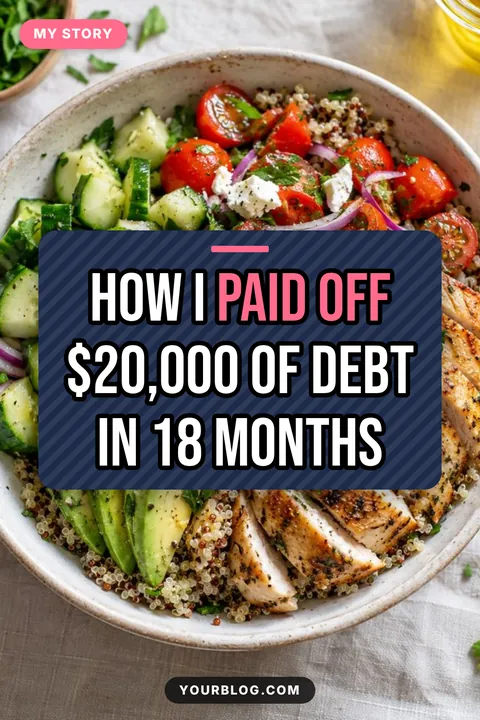
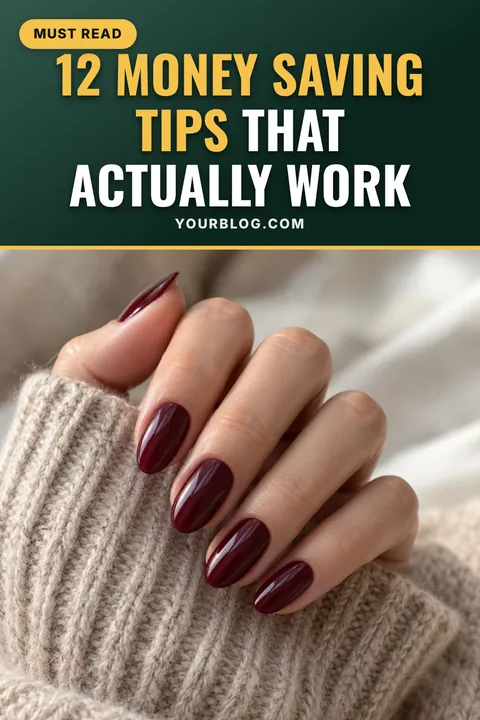
A title band on top with one big photo below puts the promise first, which is what finance readers scan for.

Budgeting tips, debt payoff stories and side hustle ideas do well on Pinterest when the title makes a clear promise. Pick a finance template, add your photos and download a bold, readable pin.
Sized to fit automatically. Press Enter for a new line; your line breaks are kept. A leading number is always printed in the accent colour.
Usually your main keyword. Separate phrases with commas.
Clear it for no badge.
After a title, add highlight words after a | and a corner badge after a second |. Use // for a line break. Up to 100 pins.
Sample photos are shown until you add your own.
Each look sets colours, font and text effects together. Fine-tune anything in step 3.
Printed at the bottom of every pin and remembered for next time. Clear it for no branding.
Pick a spot, or drag the logo anywhere on the preview.
A PNG with a transparent background works best. Your logo is remembered for next time.
Upload your own .ttf, .otf or .woff font. Uploaded fonts stay until you close the page.
“A” picks black or white automatically to suit the band.
Resets layout and every style setting. Titles, site name, badges and photos stay.
Sample photos are shown until you add your own. Right-click a photo in your article, choose “Copy image”, then paste anywhere on this page.
Four templates that work especially well in this niche. Tap one to load it into the pin maker above.
A title band on top with one big photo below puts the promise first, which is what finance readers scan for.
A floating card over a photo feels personal and editorial, a good fit for real stories and milestones.
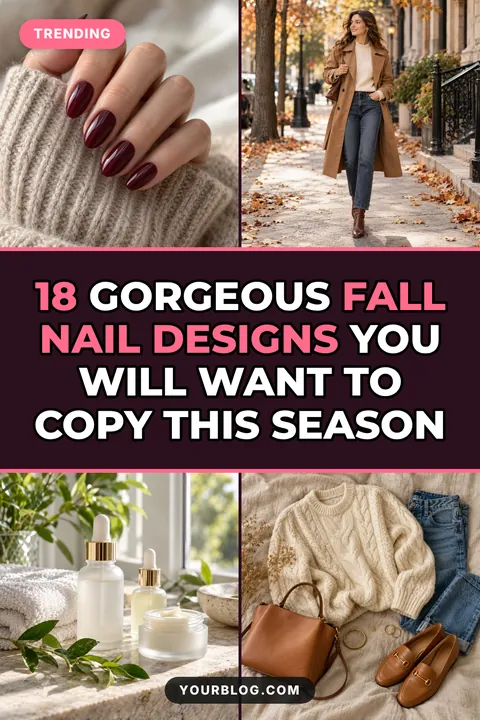
Four photos around a bold band signal a long list of ideas, perfect for side hustle and money-making roundups.
A framed layout with a “Free printable” badge makes worksheets and trackers feel like something worth saving.
Proven title shapes for this niche. Tap “Use this title” to drop one straight into your pin, then change the details.
Finance pins perform when the title is concrete: a number of tips, an amount saved, a timeframe. “How I Paid Off $20,000 in 18 Months” is far stronger than “My Debt Journey”. Highlight the part people are searching for, such as the budget method or the goal.
Finance titles are often longer, so use a clean, bold font such as Montserrat, Poppins or Oswald and keep the title band large. The Band on top layout puts the text first, where people read it on a small phone screen.
Budget templates, trackers and challenge calendars are some of the most-saved finance content. Use the Framed layout with a badge like “Free printable” or “Free tracker” so the value is clear before the click.
Greens and navies (Forest, Midnight) feel steady and trustworthy for money topics; Bold pop works for upbeat side hustle and challenge content. Keep one look across your pins so readers recognise your brand.
The short answers.
A concrete promise: a number, an amount or a timeframe, plus a clear, readable title.
The Framed layout with a “Free printable” badge in the corner.
Yes. Bulk mode turns a list of titles into a full set of pins and downloads them as one ZIP.
1000 × 1500 pixels, the 2:3 shape Pinterest recommends.
Yes, with no sign-up and no watermark.
 Food pin makerTemplates, title ideas and tips
 Home decor pin makerTemplates, title ideas and tips
 Travel pin makerTemplates, title ideas and tips
 Beauty & fashion pin makerTemplates, title ideas and tips
 Mom & parenting pin makerTemplates, title ideas and tips▦All pin templates30 free templates by niche⤢Pinterest pin sizeEvery dimension + free checker